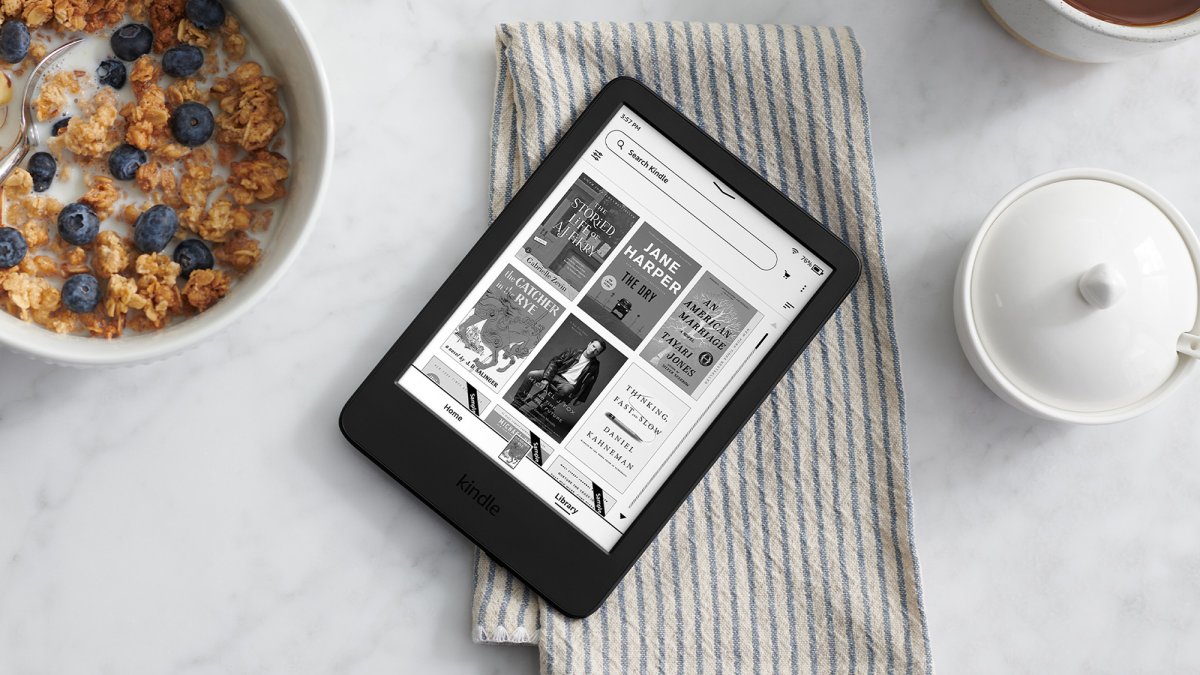
7 Kindle settings you should change
David Nield
created: March 14, 2026, 5 p.m. | updated: March 15, 2026, 5:41 a.m.
These seven settings in particular can help you get more out of your Kindle.
Redefine reading progressBy default, in the lower left corner of your Kindle screen you get your in-book location when you’re reading something (it’s the Kindle version of page numbers, basically).
To find screen warmth from the library screen, tap the three dots (top right), then choose Settings > Screen and brightness > Brightness and warmth.
From the library screen, tap the three dots (top right), then choose Settings > Device options > Privacy and security > Device PIN.
From the library screen, tap the three dots (top right), and Settings > Screen and brightness > Show covers on lock screen.
13 hours, 5 minutes ago: Popular Science